


Desktop LinkedIn automation app with 30+ actions, a lite CRM and an email finder
The cheapest serious LinkedIn automation tool, with unusually broad action coverage, sold as a desktop app you have to keep running.
Best for
Price-sensitive solo prospectors, agencies and recruiters who want maximum LinkedIn action coverage and are willing to keep a machine or VPS running.
Not great for
Anyone who wants cloud sending with the laptop closed, a unified reply inbox, or video and voice steps in a sequence.
Starting price
$8.25/seat/mo
Pricing model
Per seat
Free trial
14 days, no card
Platforms
Desktop
Linked Helper, in plain terms
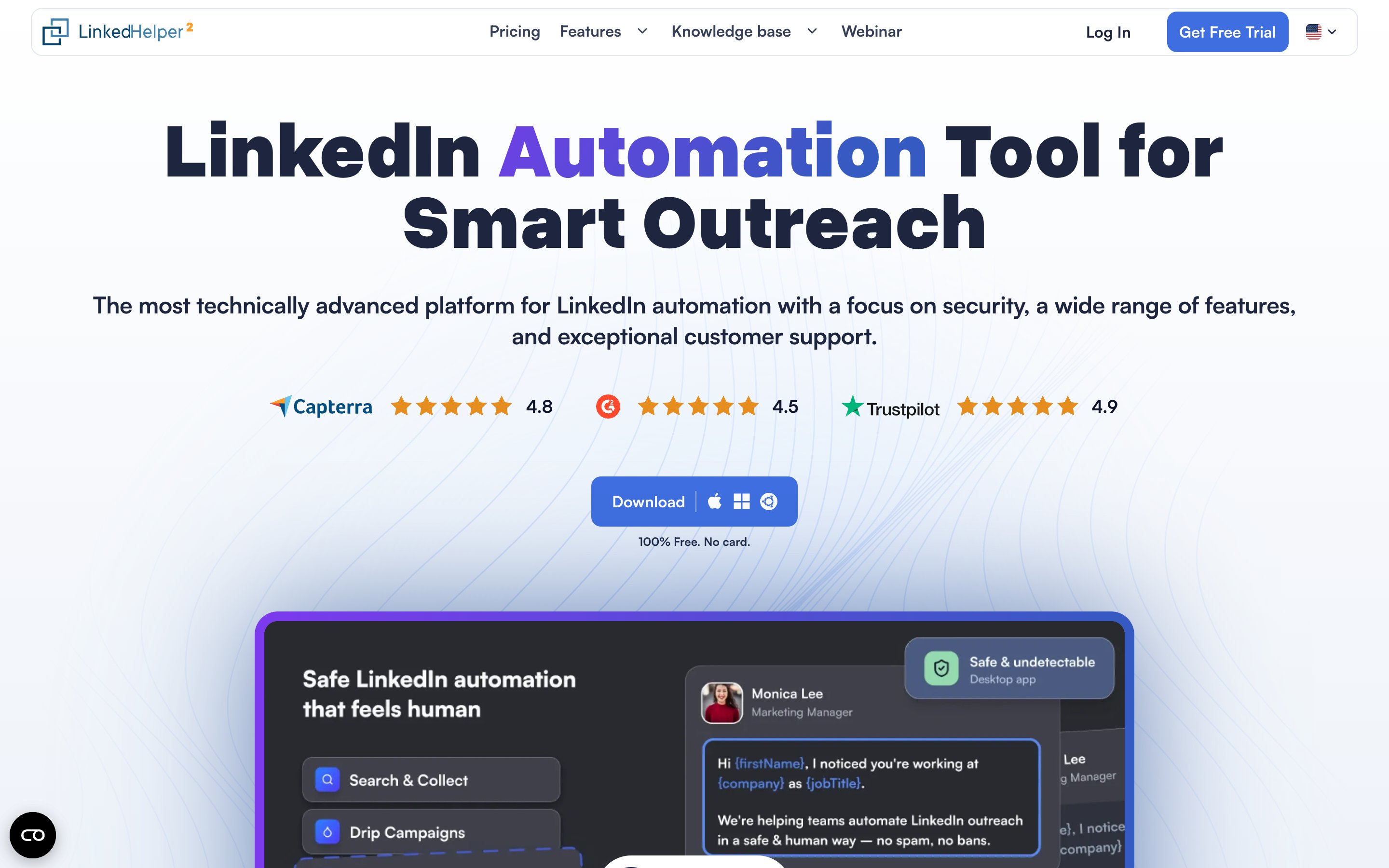
Linked Helper 2 is a LinkedIn automation tool built as a standalone desktop application for Windows, macOS and Ubuntu that drives LinkedIn from its own bundled browser window. That architecture is the product's central claim: no code is injected into the LinkedIn page, which the company markets as safer by design. It is also the main constraint, because campaigns run only while the program and the machine are powered on. Their support documentation confirms it is not a cloud solution, and the documented workaround is to rent and configure a Windows or Ubuntu VPS, roughly 2GB RAM and half a CPU core per LinkedIn account, and install the app there. Feature breadth is unusually high for the price: more than 30 automated actions across seven campaign types including connection requests, messages, InMail, event invitations, group messaging, follow and skill endorsements, plus conditional drip sequences, spintax message variation, a built-in lite CRM with tags, notes and interaction history, an email finder and data enrichment metered by data credits, AI message generation metered by AI credits, and HubSpot, Pipedrive and Close integrations with webhooks. It is the cheapest serious LinkedIn tool in the category and is well reviewed, around 4.5 on G2 from 700+ reviews. Gaps: no unified reply inbox, which reviewers call the most frustrating daily limitation, no owned searchable contact database, no email sending channel, no video or voice features, no booking pages and no mobile app.
Key features
- Standalone desktop app for Windows, macOS and Ubuntu driving LinkedIn from its own bundled browser window
- 30+ automated actions across seven campaign types: connect, message, InMail, event invites, group messaging, follow and endorse
- Conditional drip sequences chaining profile visit, connect and follow-up, with spintax message variation
- LH CRM storing every processed contact with tags, notes and interaction history
- Email finder and data enrichment for emails and phones, metered by data credits
- AI message generation metered by AI credits, 250 per month on Standard and 500 on Pro
- Rolling 24-hour caps, randomized human-like delays and warm-up, with no code injected into the LinkedIn page
- HubSpot, Pipedrive and Close integrations on Pro, plus webhooks
Pros
- Standard at $15 per month, and $8.25 on 12-month billing, is the lowest entry price among serious LinkedIn tools
- More than 30 automated actions across seven campaign types including InMail, events, groups, follow and skill endorsements
- The desktop architecture injects no code into the LinkedIn page, a real and defensible design difference from extension tools
- A lite CRM with tags, notes and interaction history, plus an email finder and data enrichment, are bundled at the base price
- Conditional drip sequences with spintax variation for natural-looking messaging at scale
- Well reviewed at around 4.5 on G2 from 700+ reviews and around 4.9 on Capterra, with 24/7 support praised
Cons
- It is not a cloud solution: their own support docs confirm campaigns stop when the program or machine is off, and one reviewer wrote that turning the laptop off ended all prospecting immediately
- Running it around the clock means renting and configuring your own Windows or Ubuntu VPS, an unbudgeted technical extra
- There is no unified messaging inbox, which reviewers called the most frustrating daily limitation
- Reviewers describe the design as very 2015 and the setup as steep, citing hours of configuration plus proxy knowledge
- Data and AI credits reset with each renewal and do not accumulate
Cost at scale
Five LinkedIn accounts on Pro at $45 per month is $225 per month, or $123.75 on 12-month billing. Extra data credits are sold separately, from about $15 per 1,000 up to about $284 per 50,000.
| Plan | Price | Limits | Includes |
|---|---|---|---|
| Standard | $15 per month, per LinkedIn account | Several advanced actions capped at 20 per day, 620 data credits and 250 AI credits per month, webhooks capped at 20 profiles per day | Unlimited campaigns and core lead-gen tools, Several advanced actions capped at 20 per day, 620 data credits and 250 AI credits per month, LH CRM with tagging and notes, $13.33 on 3-month, $10 on 6-month, $8.25 on 12-month billing |
| Pro | $45 per month, per LinkedIn account | Unlimited daily actions, 3,100 data credits and 500 AI credits per month, unlimited webhooks | Unlimited daily actions, 3,100 data credits and 500 AI credits per month, Unlimited webhooks and unlimited messages with images, HubSpot, Pipedrive and Close integrations plus messaging-history export, $40 on 3-month, $30 on 6-month, $24.75 on 12-month billing |
From their published pricing, July 2026. Standard is $15 per month monthly and $8.25 on 12-month billing, Pro is $45 monthly and $24.75 on 12-month billing. One license equals one LinkedIn account. Data credits do not roll over. Check their pricing page.
What reviews praise
- Price is the most consistently praised attribute in reviews
- Reviewers report responsive 24/7 support
- The breadth of actions and campaign types is reported as unusually high for the money
- The no-code-injection desktop model is reported as a reason security-minded buyers choose it
What reviews flag
- Users report that prospecting stops the moment the program or the computer is turned off
- The absence of a unified messaging inbox is reported as the most frustrating daily limitation
- The interface is described as outdated and cluttered, with a steep learning curve
- Users report the app slowing their computer because it runs locally
- Email finder credits are reported to reset each renewal without accumulating
Distilled from public reviews and community threads. Not Weezly's opinion, and not a rating.
API access
Webhooks, capped at 20 profiles per day on Standard and unlimited on Pro. No public API advertised.
Data export
Messaging history export on Pro, plus export of processed contact lists
Automation platforms
Webhooks, with direct HubSpot, Pipedrive and Close integrations on Pro
Integrations
 HubSpot
 PipedriveCloseWebhooksLinkedIn Sales NavigatorLinkedIn Recruiter
- Leadership
- Alexander Erin, founder (reported)
 WeezlyLinkedIn outreach with AI-cloned video, a B2B database and scheduling in one planfrom $59/sender21-day trial
 AimfoxLinkedIn outreach at scale with rented sender profiles, a unified inbox and voice notesfrom $49/senderFree plan
 DripifyCloud LinkedIn drip campaigns with a drag and drop builder plus Gmail and Outlook stepsfrom $59/seat7-day trial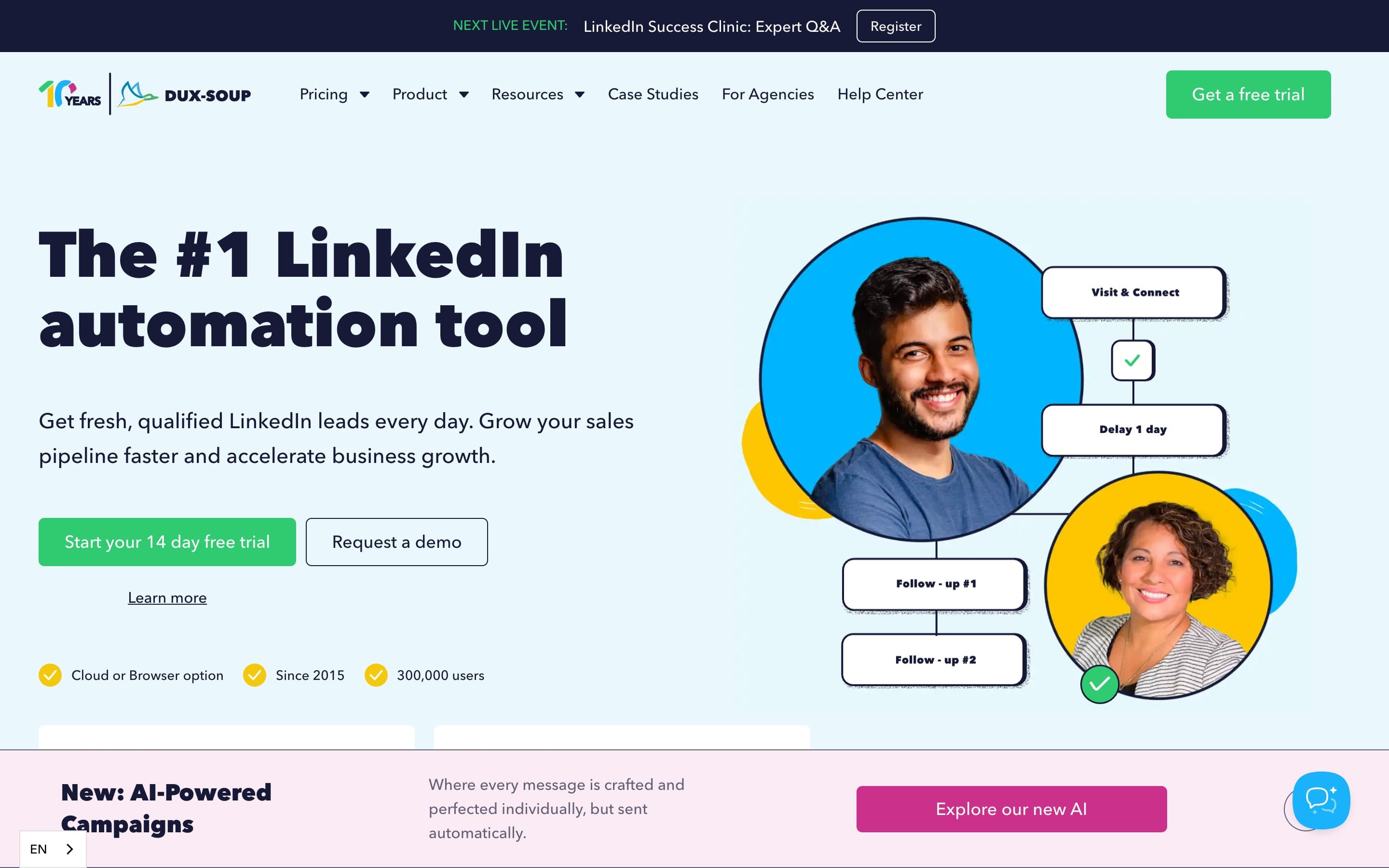
 Dux-SoupVeteran LinkedIn automation with browser-based tiers and a paid always-on Cloud editionfrom $11.25/seat14-day trial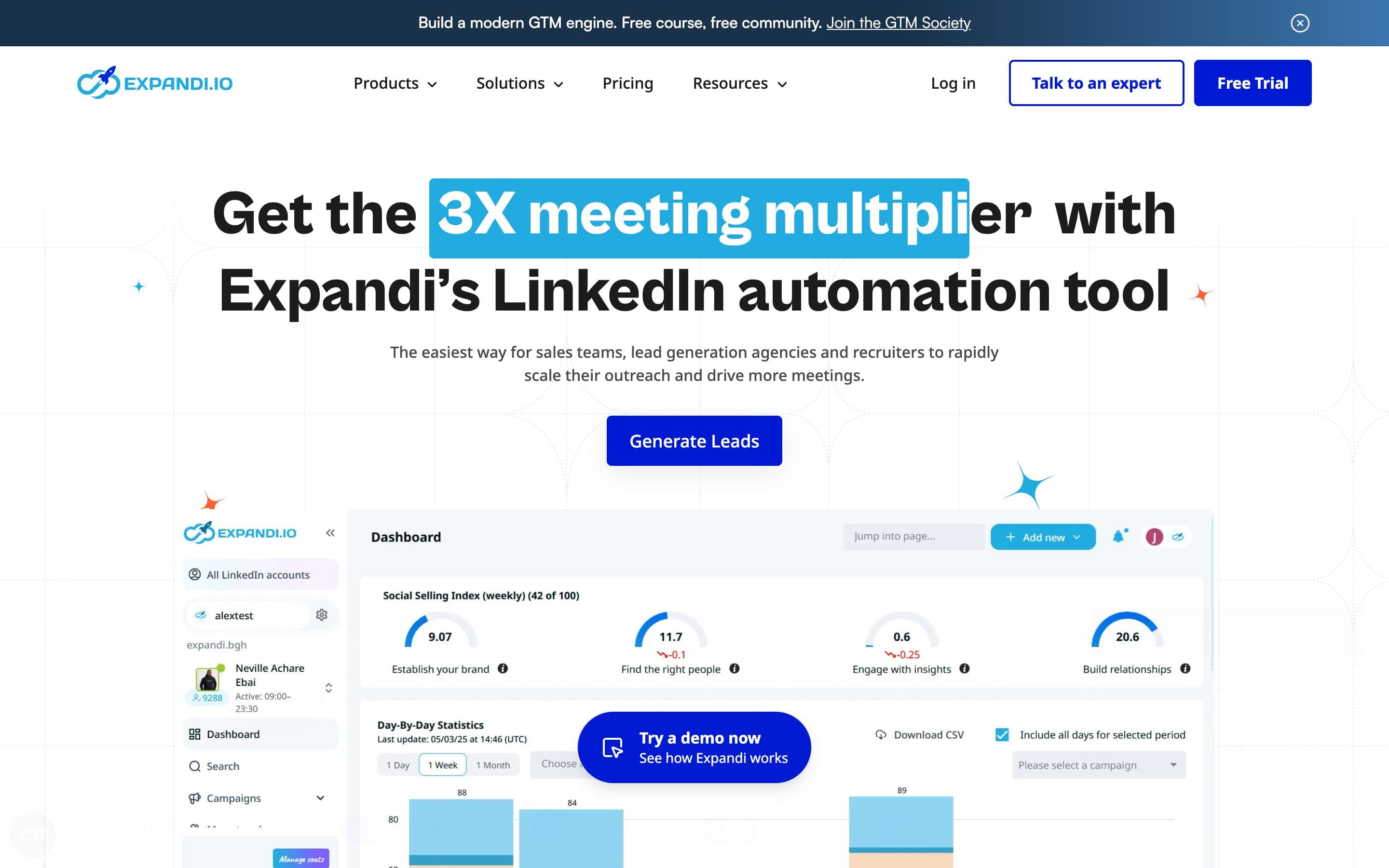
 ExpandiCloud LinkedIn and email automation built around conditional Smart Sequencesfrom $99/sender7-day trial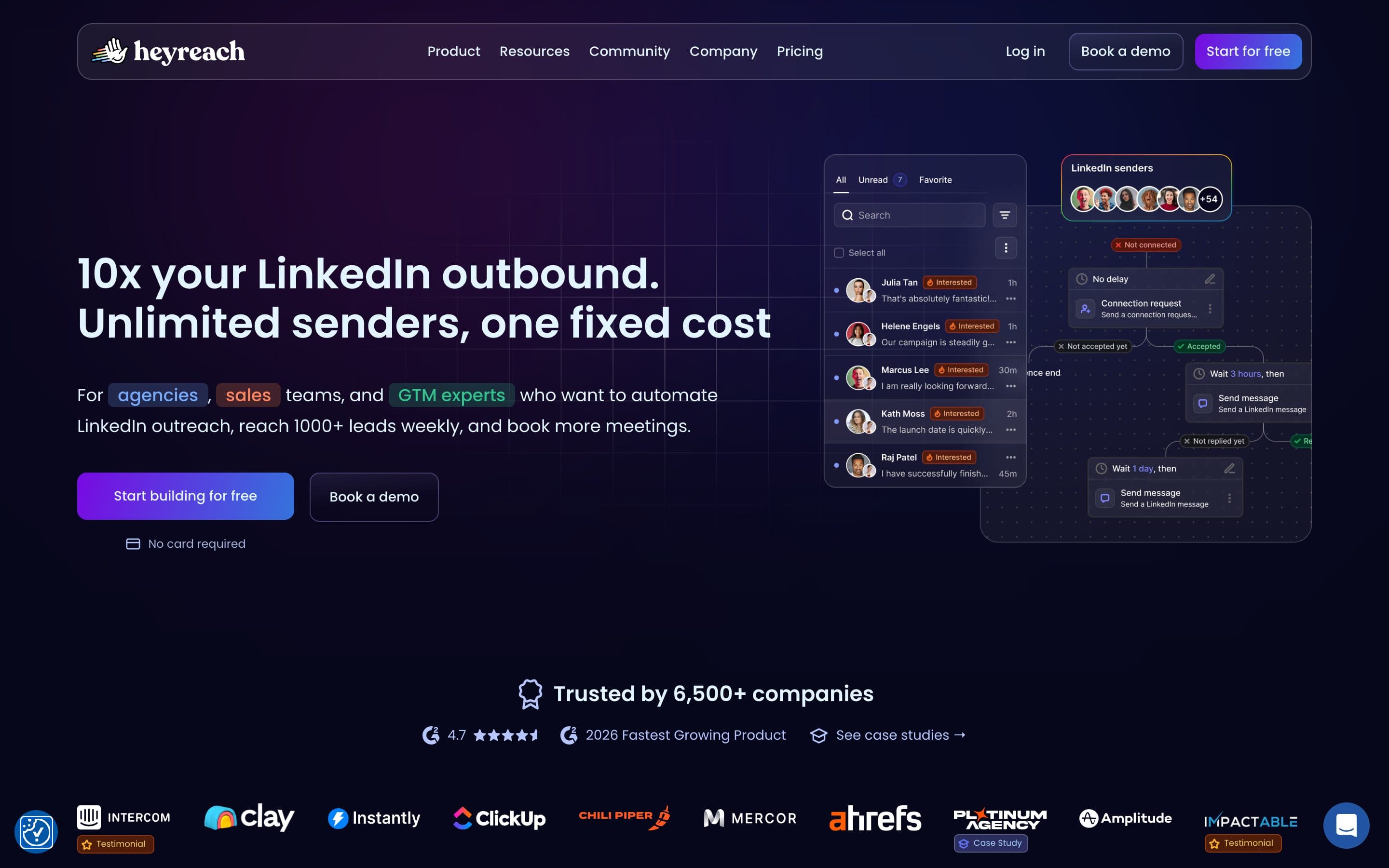
 HeyReachCloud LinkedIn outreach for agencies, priced per sender with a shared unified inboxfrom $79/sender14-day trial
No. Their support documentation states it is not a cloud solution and works locally on your PC, so campaigns stop when the program or the machine is off. The documented workaround is to rent and configure your own Windows or Ubuntu VPS and install Linked Helper on it, which their docs size at roughly 2GB RAM and half a real CPU core per LinkedIn account. A partner also sells servers with the app pre-installed.
From their published pricing in July 2026, Standard is $15 per month and Pro is $45 per month, both per LinkedIn account, with a discount ladder down to $8.25 and $24.75 on 12-month billing. There is a 14 day free trial with full Standard and Pro feature access and no card required. Extra data credits are sold separately, from 1,000 credits at about $15.
No. It has an on-demand email finder and data enrichment for second and third-degree profiles, run against a shared database on a credit model, rather than an owned searchable prospecting database. Credits reset with each subscription renewal and do not accumulate.
Only partially. It stores processed contacts in a built-in lite CRM with tags, notes and interaction history, but there is no unified messaging inbox, and reviewers describe managing responses as essentially the same as doing it directly on LinkedIn. There is no AI reply classification and no deal pipeline board.
Their safety argument is architectural: it is a desktop app rather than a Chrome extension, so no code is injected into the LinkedIn page, and it applies rolling 24-hour caps, randomized delays and warm-up. That is a real and defensible design difference, but no LinkedIn automation removes restriction risk, and reviewers note detection algorithms still pose a risk.
Directory information is compiled from vendors' own published materials and other public sources, dated at verification time, and provided as is for research purposes. All product names, logos and screenshots are the property of their respective owners and are used for identification only; Weezly is not affiliated with or endorsed by the listed vendors unless stated. Verify current terms with the vendor before purchasing. About the data