

 VS
VS
Loom vs Vidyard
Loom and Vidyard both start the same way: you hit record, capture your screen and camera, and a share link is ready when you stop. What surrounds that recorder is what separates them. Loom, owned by Atlassian since 2023, is built for async work. The value sits in the workspace library with folders and permissions, transcriptions in 50+ languages, AI titles, summaries, chapters and filler word removal on its Business + AI tier, and integrations with Slack, Jira, GitHub, Gmail, Notion and Figma. Vidyard is built for go to market teams, and its strongest area is measurement: viewer retention, engagement heatmaps and account level rollups, with CRM and marketing automation integrations, AI Avatars trained from a short recording of you, and Vidyard Prospector, an email first product that finds buyers and writes and sends AI generated sales emails. Pricing is the sharpest practical difference. Loom publishes seat prices, from their published pricing in August 2026, while Vidyard no longer publishes dollar figures at all, listing Free, Starter, Teams and Enterprise with the paid tiers quoted. Neither sends LinkedIn messages, and both deliver video as links or embeds.
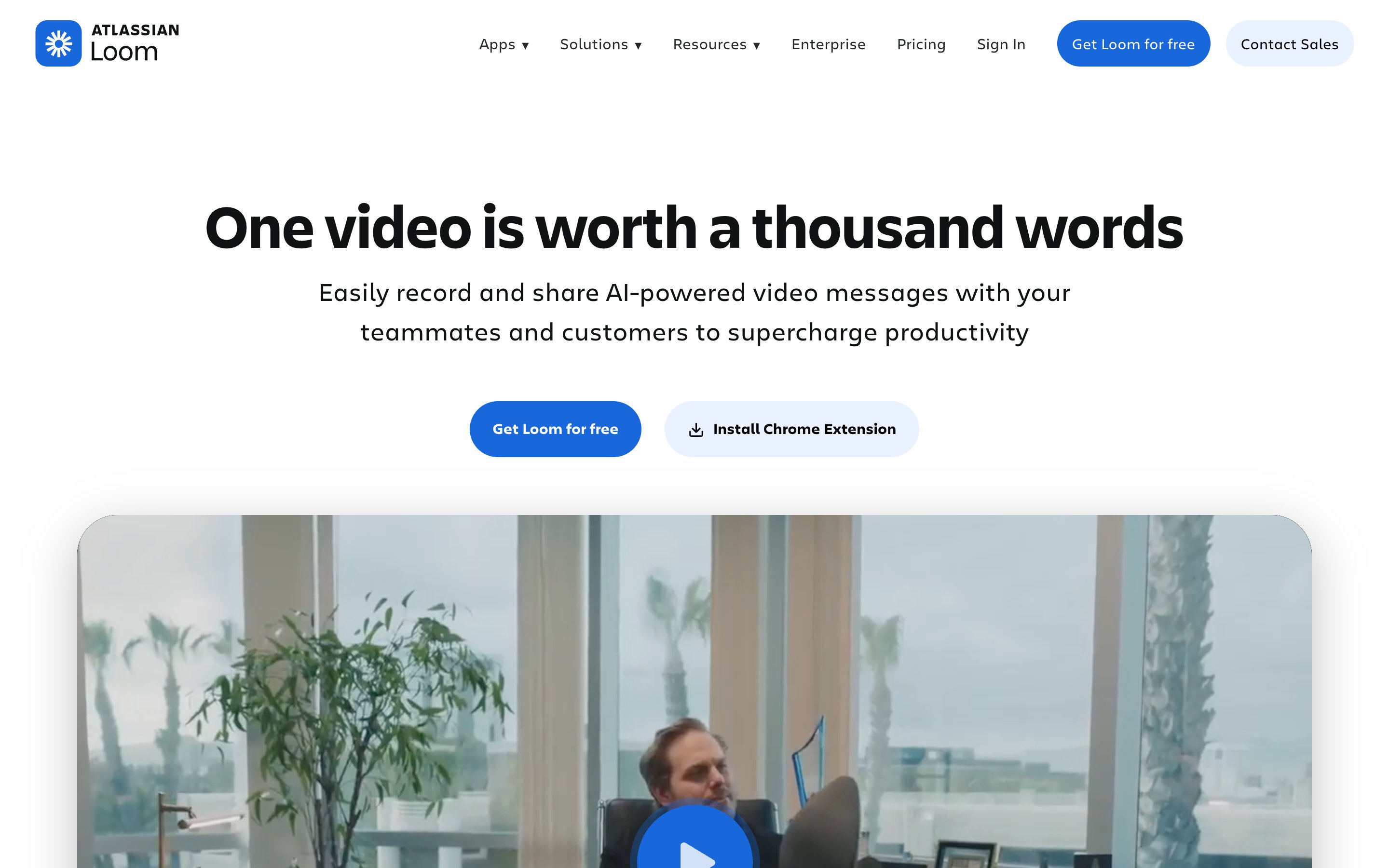
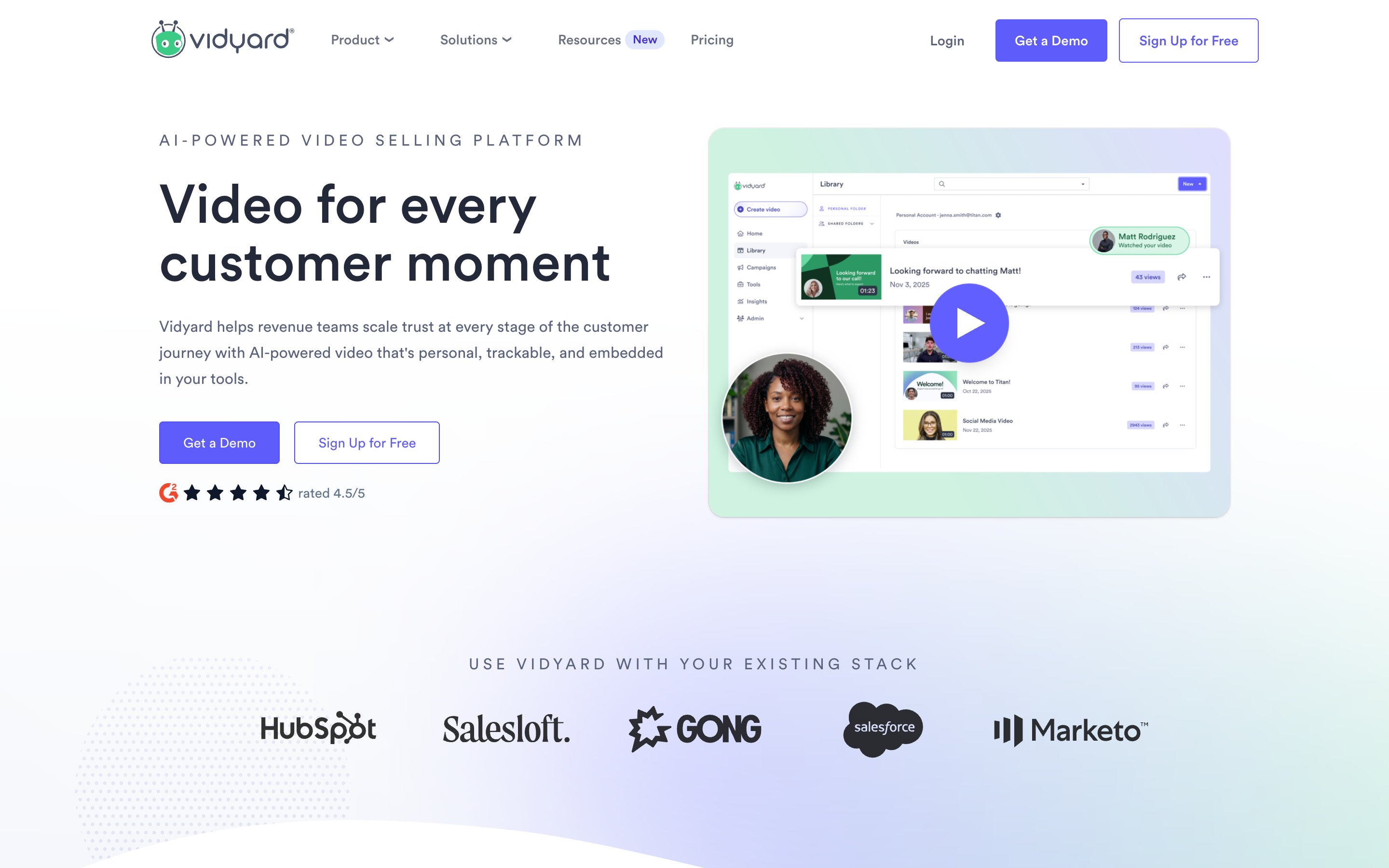
Loom is the better default for everyday async video inside a team, and Vidyard is the better fit when the video is part of a sales motion that has to be measured, governed and reported into a CRM.
Pick Loom if
- You want a published seat price. From their published pricing in August 2026, Business is $15.36 per user per month billed annually, or $18 monthly, and Business + AI is $19.92 annually, or $24 monthly.
- Most of your video is internal: updates, walkthroughs, bug reports and support replies, where the workspace library with folders and permissions is the point.
- Your stack is Slack, Jira, GitHub, Notion and Figma, and Enterprise gives you SSO, SCIM, a Salesforce integration and a 99.95% uptime SLA.
- You record from several places: desktop, iOS and Android apps and a browser extension, at up to 4K on paid plans.
Pick Vidyard if
- You need to know what happened after the send. Viewer retention, engagement heatmaps and account level rollups are their strongest area, with full analytics from the Starter tier.
- You want an AI presenter trained on a short recording of you. Vidyard AI Avatars include 3 custom avatars even on the free tier, alongside a stock library.
- Outreach and video should sit together. Vidyard Prospector finds buyers and writes and sends AI generated sales emails alongside the video platform.
- The rollout is governed: CRM and marketing automation integrations from the Teams tier, with SSO and custom permissions on Enterprise.
 Loom
Loom VidyardLoomVidyardLoom
25 videos per person, 5 minutes per video, up to 50 workspace members
25 videos per person, 5 minutes per video, Up to 50 workspace members, Transcriptions in 50+ languages
Unlimited videos and recording length, up to 4K quality
Unlimited videos and recording length, Up to 4K quality, Remove Loom branding, Password protected videos
Unlimited videos plus the AI feature set and admin insights
Auto titles, summaries and chapters, Filler word removal, Video to text automation, Meeting recaps and admin insights
SSO and SCIM, custom data retention, 99.95% uptime SLA
SSO and SCIM, Salesforce integration, 99.95% uptime SLA, Custom data retention
From their published pricing, August 2026 (check their pricing). Business is $15.36 per user per month billed annually or $18 monthly, and Business + AI is $19.92 annually or $24 monthly. Enterprise is custom quoted.
Vidyard5 recorded videos per month, 15 AI videos, 3 custom AI avatars, no video hosting
5 recorded videos per month, 15 AI videos, 3 custom AI avatars plus stock avatars, No video hosting, limited analytics and integrations, No credit card required
Unlimited video recording, full analytics, 14 day trial available
Unlimited video recording, Full analytics, 14 day trial available
Recommended for teams of 5 or more seats
Best for teams of 5 or more, CRM and marketing automation integrations
SSO, custom permissions, governance and security controls
SSO and custom permissions, Governance and security controls
Vidyard does not publish dollar prices on its pricing page as of August 2026 (check their site for a quote). The published tiers are Free, Starter, Teams and Enterprise, with Teams and Enterprise custom quoted and Teams recommended for 5 or more seats. A 14 day trial is offered on Starter.
Loom pros
- A share link is ready the moment you stop recording
- Desktop, mobile and browser extension recording, up to 4K on paid plans
- A workspace video library with folders and permissions, their strongest feature
- Transcriptions in 50+ languages, plus AI titles, summaries and chapters on Business + AI
- Deep integrations with Slack, Jira, GitHub, Gmail, Notion and Figma
Loom cons
- The free Starter plan caps videos at 25 per person and 5 minutes each, the most repeated frustration in public reviews
- AI titles, summaries, chapters and filler word removal sit behind the higher Business + AI tier
- No face or voice cloning, so a genuinely different video per prospect means recording it yourself
- Videos reach people as links, and booking happens through CTA embeds pointing at a third party scheduler
Vidyard pros
- Viewer analytics with retention, drop-off and account level rollups, their strongest area
- Governed hosting with folders and permissions, plus SSO and custom permissions on Enterprise
- AI Avatars trained from a short recording of you, with 3 custom avatars even on the free tier
- Vidyard Prospector finds buyers and writes and sends AI generated sales emails
- Browser extension and desktop recorder, with unlimited recording on paid tiers
Vidyard cons
- No dollar figures published on their pricing page as of August 2026, so Teams and Enterprise require a quote
- The free plan is capped at 5 recorded videos per month and 15 AI videos, with no video hosting
- CRM and marketing automation integrations only start at the Teams tier
- Delivery stays link based, with CTAs and scheduler integrations rather than a native booking product


Only Loom can be answered from published figures. From their published pricing in August 2026, Loom Business is $15.36 per user per month billed annually, or $18 monthly, Business + AI is $19.92 annually, or $24 monthly, and Enterprise is quoted. Vidyard does not publish dollar prices as of August 2026: its pricing page lists Free, Starter, Teams and Enterprise, with Teams and Enterprise custom quoted and Teams recommended for teams of 5 or more. A 14 day trial is offered on Starter, so a paid seat price requires a conversation with their team.
Loom's free Starter plan allows 25 videos per person, capped at 5 minutes each, with up to 50 workspace members and transcriptions in 50+ languages. Vidyard's free plan allows 5 recorded videos per month and 15 AI videos, with 3 custom AI avatars plus stock avatars, no video hosting and limited analytics and integrations. Neither requires a credit card.
Vidyard does, through AI Avatars trained on a short recording of you, which then generate video from a written prompt. Loom does not advertise face or voice cloning. Loom Variables can swap tokens such as a first name into an existing recording, so a genuinely different video per viewer still means recording it yourself.
Vidyard is the one built for it, with viewer analytics, CRM integrations from the Teams tier and Vidyard Prospector for AI generated email outreach. Loom has no sequencer and no lead database, so sales teams record one video and paste the link into a message they send themselves. Neither tool has a LinkedIn sending layer, and both deliver video as hosted pages or embeds, with booking handled by CTAs pointing at a scheduler.
Directory information is compiled from vendors' own published materials and other public sources, dated at verification time, and provided as is for research purposes. All product names, logos and screenshots are the property of their respective owners and are used for identification only; Weezly is not affiliated with or endorsed by the listed vendors unless stated. Verify current terms with the vendor before purchasing. About the data