

LinkedIn and email outreach
that converts, not just sends.
Weezly Outreach finds your leads, sends each one a personal AI video in the LinkedIn DM, and brings every reply into one inbox.






 Platfome

 Warm
Warm


 The Sparked Group

 PA The Remote Way

Five steps to a booked meeting,
most of them done for you.
Set it up once, in about five minutes. Then it runs in the cloud on your days and hours. Here's what you do, and what Weezly does for you.
Find the right leads,
scored before you
spend a touch.
 Weezly builds your ICP from your website, scores every lead from 1 to 10 and checks the email.
Search 300M+ contacts by title, seniority, location and more. “Sales manager” alone returns 3.3 million people.
- 5,000 verified emails in every seat
- Set the ICP Score Check to 6 and only leads scoring 6+ run: 2.97x more repliesWeezly campaign data, 2026


A personal video
for every lead,
right in the DM.
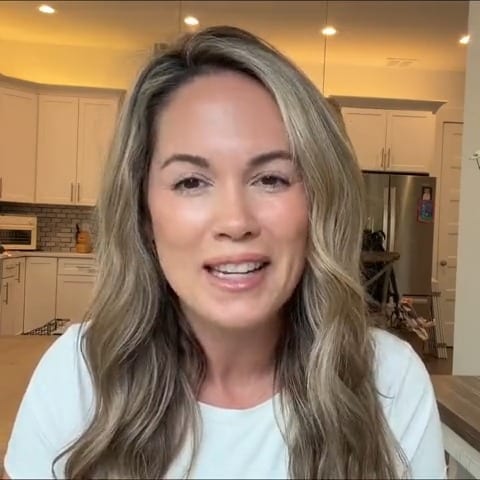
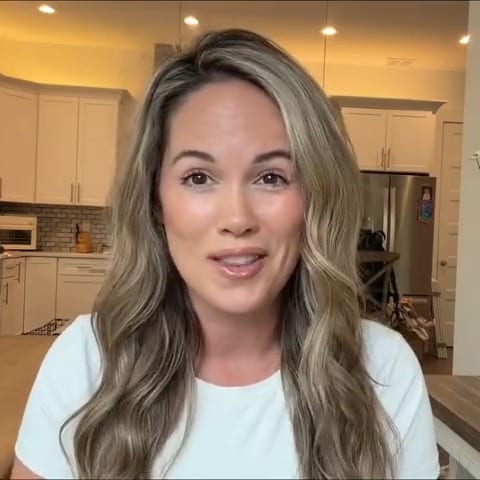
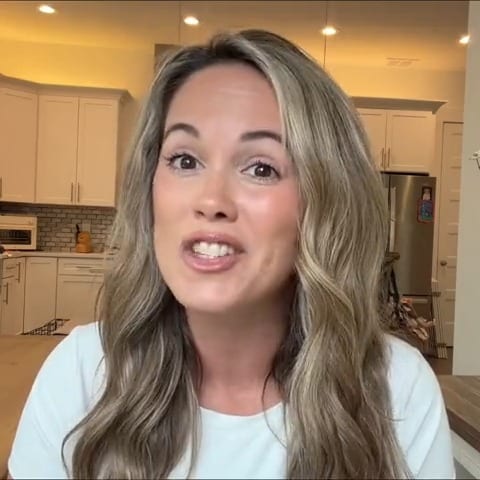
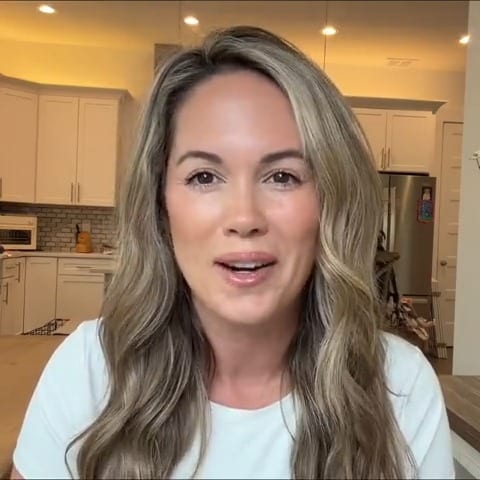
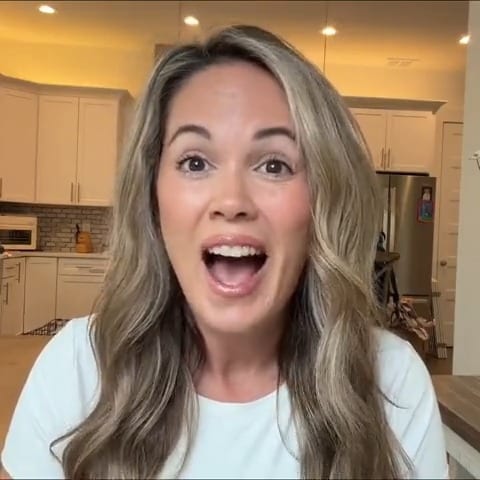
Weezly clones your face and voice, makes a video for every lead and sends it with the rest of your sequence.It lands as a real video file in the chat, the way a person sends it.
Ten ways to touch a lead,
so every touch earns the next one.
A connection request and a text message isn't a strategy. Weezly sequences mix AI videos, recorded videos, voice notes, AI comments, real engagement and email.
Every reply in one inbox,
the warm ones
on your phone.
Weezly collects every reply and pings you about the warm ones.Every reply from every sender, on LinkedIn or email, lands in one Unibox.
- A pipeline from Interested to Won, with your own stages
- The iOS and Android app: a push and an email the minute a reply is positive
 WEEZLYnowPositive reply from Nora“Loved the video. Does Thursday work?”
The follow-up
you'd have forgotten,
suggested and timed.
Weezly remembers every thread and suggests the next message, and when.When Owen writes “check back after our planning week”, Weezly suggests the follow-up and when to send it, and keeps a short memory of every thread.
- Drop a booking page into the chat; the booking shows in the thread
 Owen ReidTailspin · conversation memorySaidLiked the video. Busy with planning until Wednesday.AgreedCheck back on Thursday.Next moveA short follow-up with the case study.Send Thu 10:00Edit
More accounts,
more reach,
each inside its limits.
Weezly takes turns between them, each inside its own limits, on your days and hours.No tool can promise LinkedIn will never restrict an account, so Weezly keeps every account well inside its limits and spreads the work across your team.
Three accounts send 75 messages a day, and none sends more than its own 25.
Connection requests, messages, InMails, profile views, follows and post likes. One click applies them.
Runs in the cloud on your schedule and time zone, warms up new accounts and pauses at the limit.
Running outreach for clients? See Weezly for agencies


Watch Weezly work. On you.
Paste your own LinkedIn profile and we run a real outreach on you, end to end. One demo, nothing more.
HeyReach sends.
Weezly converts.
HeyReach, Expandi, Waalaxy and Dripify are solid LinkedIn senders, and they do some things as well as Weezly does. Here's where they overlap and where they don't.
One Weezly seat$99 per seat per monthOne seat replaces the stack: the sender, the leads database, the inbox and booking pages, in one login. AI videos on top: AI video minutes from $99.LinkedIn only? The Growth plan is $59 per month per sender.See pricing Expandi
 Weezly vs HeyReach
 Weezly vs Waalaxy
 Weezly vs Dripify
 Weezly vs lemlist
 Weezly vs La Growth Machine
Questions,
answered
What is Weezly Outreach?
Weezly Outreach runs LinkedIn and email outreach in one place. Find leads in a built-in database of 300M+ contacts, build one visual sequence with connection requests, messages, AI videos, voice notes and email steps, rotate sending across several LinkedIn accounts, and handle every reply in one inbox with follow-up reminders and a deal pipeline.
Is Weezly Outreach a Chrome extension?
No. Weezly Outreach is a cloud web app, so your campaigns run on our servers on your schedule, even with your laptop closed. Weezly also has a separate Chrome extension for recording videos and booking meetings inside LinkedIn and Gmail, but campaigns don't depend on it.
How is the AI video step different from other LinkedIn tools?
Other tools paste a link or a GIF into the message. Weezly makes a separate video for each lead from a clone of your face and voice, then uploads the actual video file into the LinkedIn conversation, the way a person would. The lead presses play right in the DM, with your booking page under the player. No link, no landing page.
What is the ICP Score Check step?
When you set up Weezly, it scans your website to learn what you sell, who you sell to, the pains you solve and who you compete with. Every lead is then researched and scored from 1 to 10 against that profile. Add an ICP Score Check step to a sequence and set the slider: at 6, only leads scoring 6 and above run, and the rest are skipped. While you set the slider, you see how many of your leads continue before a single message goes out. In Weezly campaign data from 2026, campaigns that only reached leads scoring 6+ got 2.97x more replies than campaigns without the check. The profile is editable word for word (job titles, headline keywords, industries, company sizes, geography and disqualifiers), and your lead list shows a coloured score you can filter by strong, good, weak or poor fit.
Do I have to score my leads before starting a campaign?
No. A lead that hasn't been scored yet is scored the moment it reaches the ICP Score Check step, so you can point a raw list at a campaign. Leads below your minimum stop there and are never contacted, which keeps your daily LinkedIn and email limits for the leads worth having.
Can I run one campaign across multiple LinkedIn accounts?
Yes. Add several senders to one campaign and Weezly takes turns between them, each with its own daily limits. All their conversations land in one inbox, so one person can handle replies for the whole team. Campaign folders keep each client separate, every campaign shows its acceptance, reply and meeting numbers, a Sender Performance view compares the accounts, and a campaign that works can be duplicated in one click.
How does Weezly protect my LinkedIn accounts?
Every sender gets its own daily caps for connection requests, messages, InMails, profile views, follows and post likes. Weezly reads each account's LinkedIn SSI score and recommends safe limits for it, warms up new accounts, and only runs campaigns inside the days and hours you set.
Can Weezly promise my LinkedIn account won't be restricted?
No, and no tool honestly can: LinkedIn makes that call. What Weezly does is keep each account inside daily limits recommended from its SSI, warm up new accounts, send only on your days and hours, and spread a campaign across several accounts so no single one works too hard.
Where do the leads come from?
From the built-in Weezly Leads Database: 300M+ contacts you can filter by job title, function, level, location and more, with verified emails on demand. Select up to 10,000 leads at once, or import your own lists, so you never need a separate data tool.
How do lead credits work?
Every seat includes 5,000 credits. One credit is one email found and verified.
Does the leads database include phone numbers?
No. Weezly finds and verifies emails, not phone numbers. If calls are part of your process, keep a phone data tool next to Weezly.
Do I need LinkedIn Sales Navigator?
No, it's optional. The built-in leads database covers search, so you can find and filter your leads without it.
Which steps can a Weezly sequence include?
On LinkedIn: connection requests, messages, InMails, AI videos with your cloned face and voice, videos you record yourself, voice notes, AI comments about the lead's actual post, reactions with all six LinkedIn reaction types, and profile views. On email: a Send Email step from your own mailbox. Conditions branch on If Connection, If Open Profile and If Has Email. WhatsApp and Instagram steps are coming to the same builder.
What if I don't want to record videos?
Two answers. The AI videos only need one two-minute recording, ever: your clone makes every video after that, in 25 languages. And video is just one of ten step types. Sequences work well with connection requests, messages, InMails, emails, voice notes, AI comments and profile touches, so Weezly still replaces your sending tool if you never turn the camera on.
Does Weezly send email as well as LinkedIn?
Yes. Connect your Gmail or Outlook mailbox and Send Email becomes a step in the same sequence as your LinkedIn steps, with an If Has Email condition so the branch only runs for leads with a verified address. Email replies land in the same Unibox as LinkedIn replies. Email is included in the Multichannel seat; the Growth plan is LinkedIn only.
How does Weezly stop deals from going quiet after the reply?
Three things live inside the Unibox. Reminders: set one from any conversation in two clicks (in 3 hours, tomorrow at 9:00, next week or a date you pick), and a follow-ups calendar shows what's due and what's overdue. AI suggestions: Weezly reads each thread, spots unanswered messages and promised calls, and proposes the follow-up with one-click timing. Conversation memory: every thread keeps a short summary of what was said, what the prospect agreed to and the next move. You can also drop a booking page into the chat: the thread records the booking when it happens and the deal moves to Meeting booked.
Is there a Weezly mobile app?
Yes, for iOS and Android. It carries the whole Unibox, so you handle every sender and every conversation from your phone. The AI reads incoming replies, and when one is positive you get a push notification and an email right away, so warm leads never wait.
How is Weezly different from HeyReach or Expandi?
Those tools automate the sending. Weezly automates the sending and the converting: a 300M+ lead database so you skip the data tool, AI videos with your cloned face and voice sent natively in the DM, a reply inbox with reminders, conversation memory and a deal pipeline, and booking pages you drop straight into the chat. HeyReach sends. Weezly converts.